🎮 Game Controls & Keyboard Guide
Play Eat Donuts Fullscreen on BrainQuests

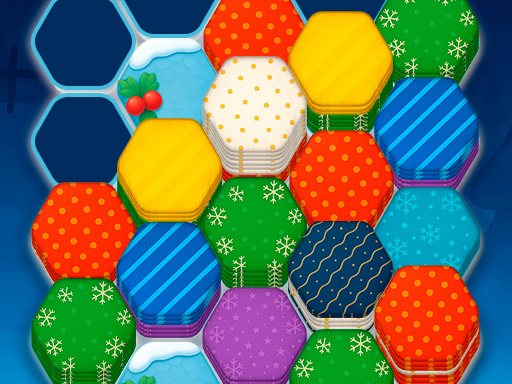
Swap, rotate, and smash colorful donut rings in a vibrant 3x3 grid to create explosive matches and devour points like never before. Start with easy levels like our sunny beachside challenge—rack up scores to hit that juicy target of 800, earn shiny coins for power-ups like the mighty hammer smash or speedy rotates, and unlock endless waves of mouthwatering fun.
Master every challenge in Eat Donuts, a beautifully crafted Puzzle masterpiece that will keep you engaged and striving for higher scores.
⚡ Key Features
🎮 Responsive Controls
Optimized for smooth keyboard, mouse, and touchscreen input across all devices.
📱 Cross-Platform Ready
Flawless gameplay experience on PC, Laptop, Chromebook, iPhone, iPad, and Android.
🗨️ Frequently Asked Questions




⭐ Pro Tips & Strategy
Scan the entire board before making a move to create multi-chain cascading combos. Prioritize clearing obstacles and locked tiles early to expand available movement area.
Complete Guide & Gameplay for Eat Donuts
To excel in Eat Donuts, start by familiarizing yourself with the responsive controls. As the difficulty scales, maintaining composure and steady rhythm will be key to conquering high levels.
This classic Puzzle browser title is fully optimized for HTML5 browsers, delivering responsive physics and immersive action on desktop, mobile, and tablet platforms without downloads.
